 Dr.Fone
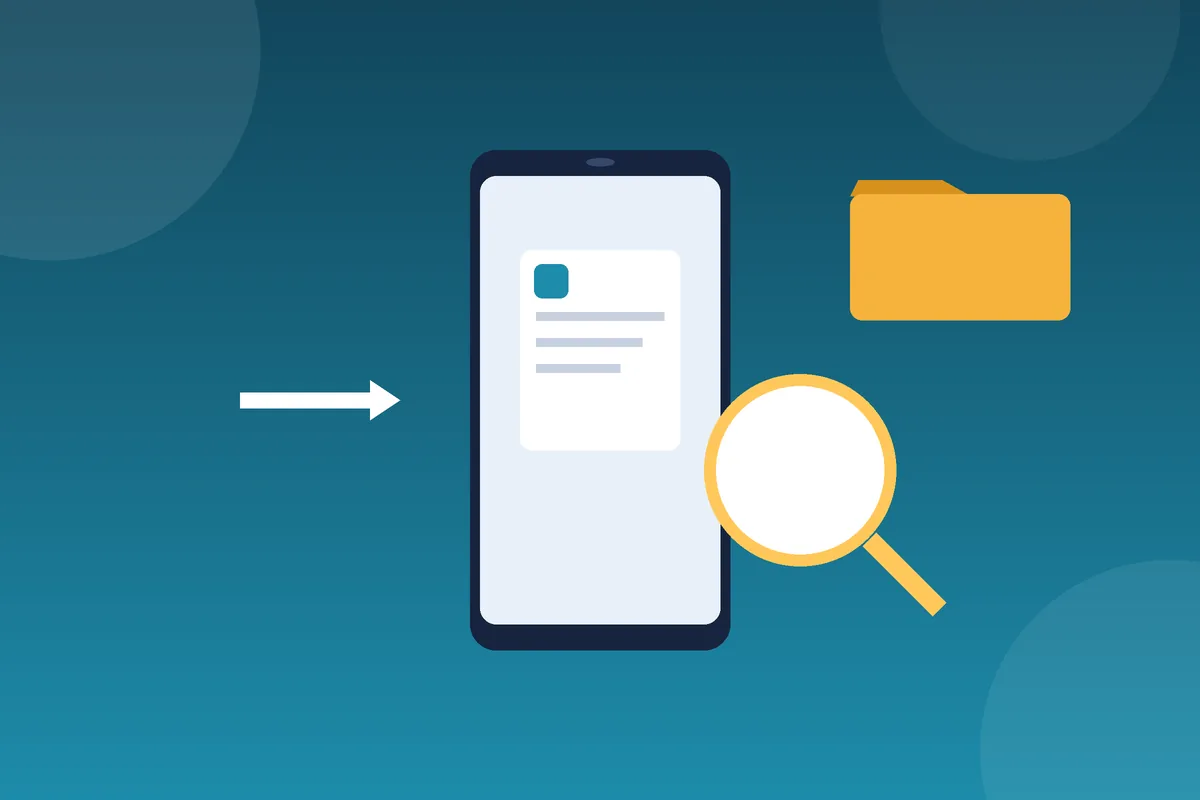
How Dr.Fone Data Recovery Works: Scan, Preview and Recovery Limits
Understand the scan, preview and recover workflow and the physical limits that decide whether deleted data still exists.
GUIDES
Data recovery succeeds or fails on details: which source you scan, how the data was lost, and whether new data has overwritten the old. These guides explain the Dr.Fone recovery workflow honestly, including the limits. The opening guide explains how scanning, previewing and recovering fit together. The iPhone and Android guides then cover the different preparation each platform needs, because the right steps for one can be useless on the other.
Two situations get their own pages because they cause the most confusion. Extracting files from an existing iPhone backup is a recovery route in its own right, and a scan that finds nothing has specific causes worth checking before you conclude the data is gone. The final guide covers factory resets directly, with realistic expectations rather than promises.
Understand the scan, preview and recover workflow and the physical limits that decide whether deleted data still exists.
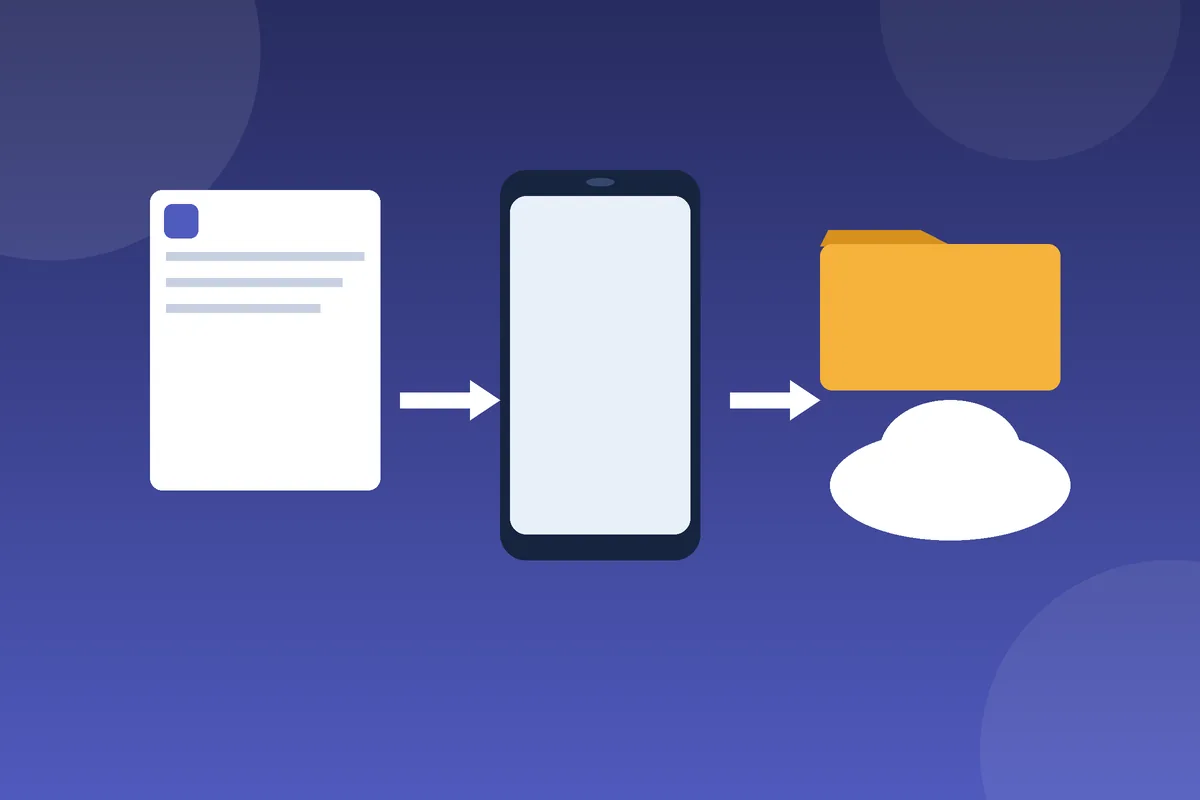
Choose between device, iTunes or Finder backup and iCloud recovery for an iPhone, and run the route that matches your loss.
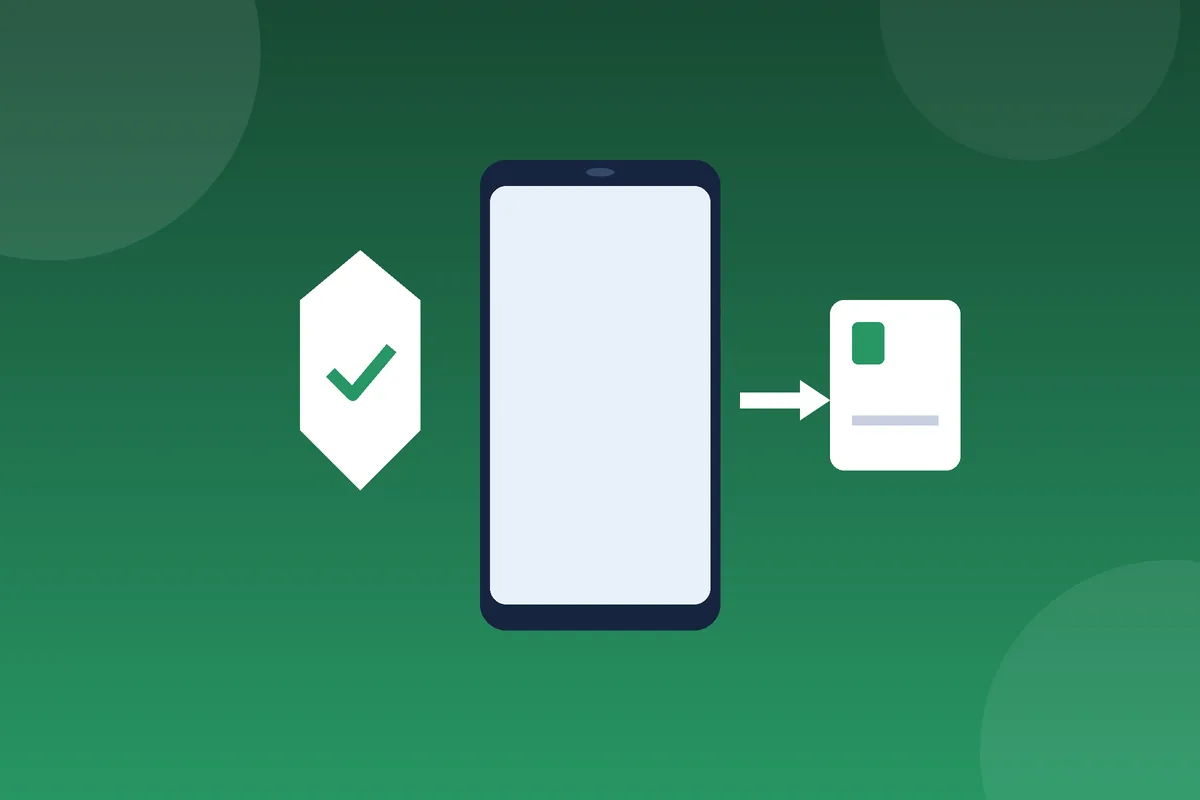
Get an Android phone ready for recovery and set realistic expectations for internal storage, SD cards and broken devices.
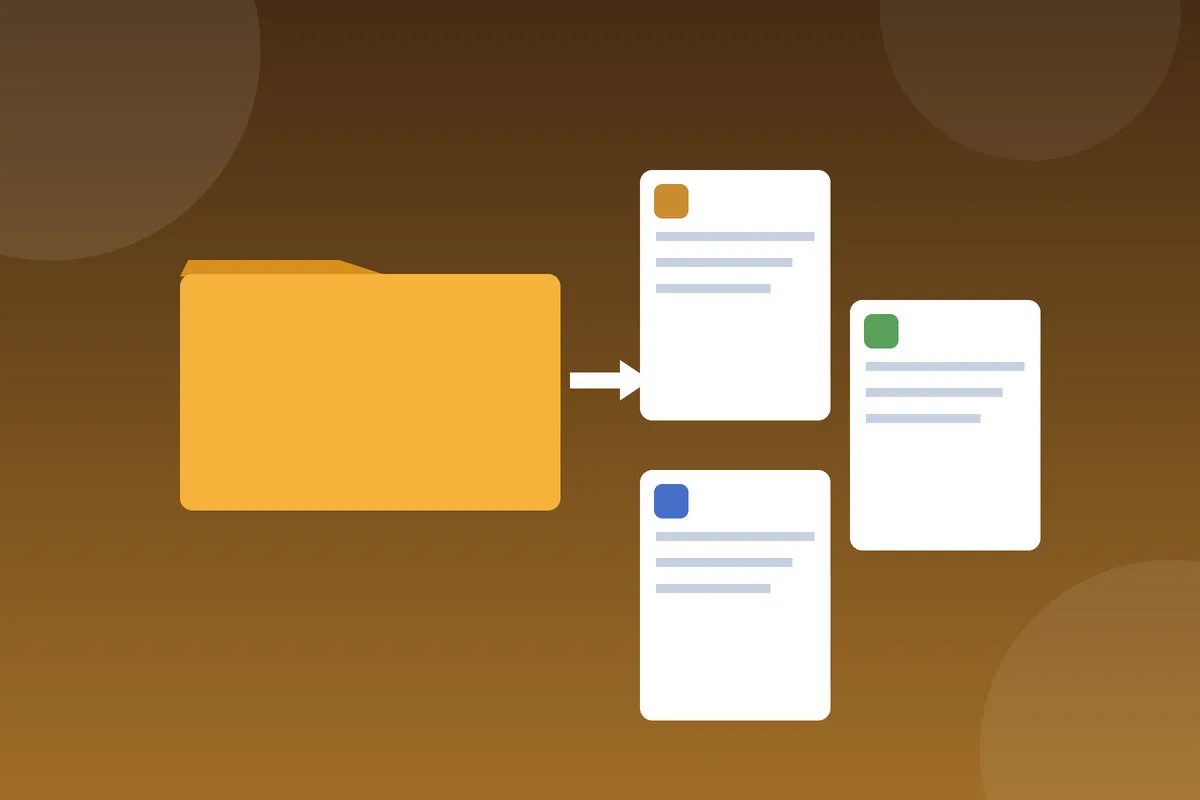
Browse an iTunes or Finder backup and extract just what you need, leaving the backup and your phone untouched.

Diagnose an empty recovery scan step by step and find the routes that remain when the first scan shows nothing.
Understand what a factory reset actually does to data, and work through the routes that can still restore what you lost.